 Skip to content

Text+ presets for DaVinci Resolve
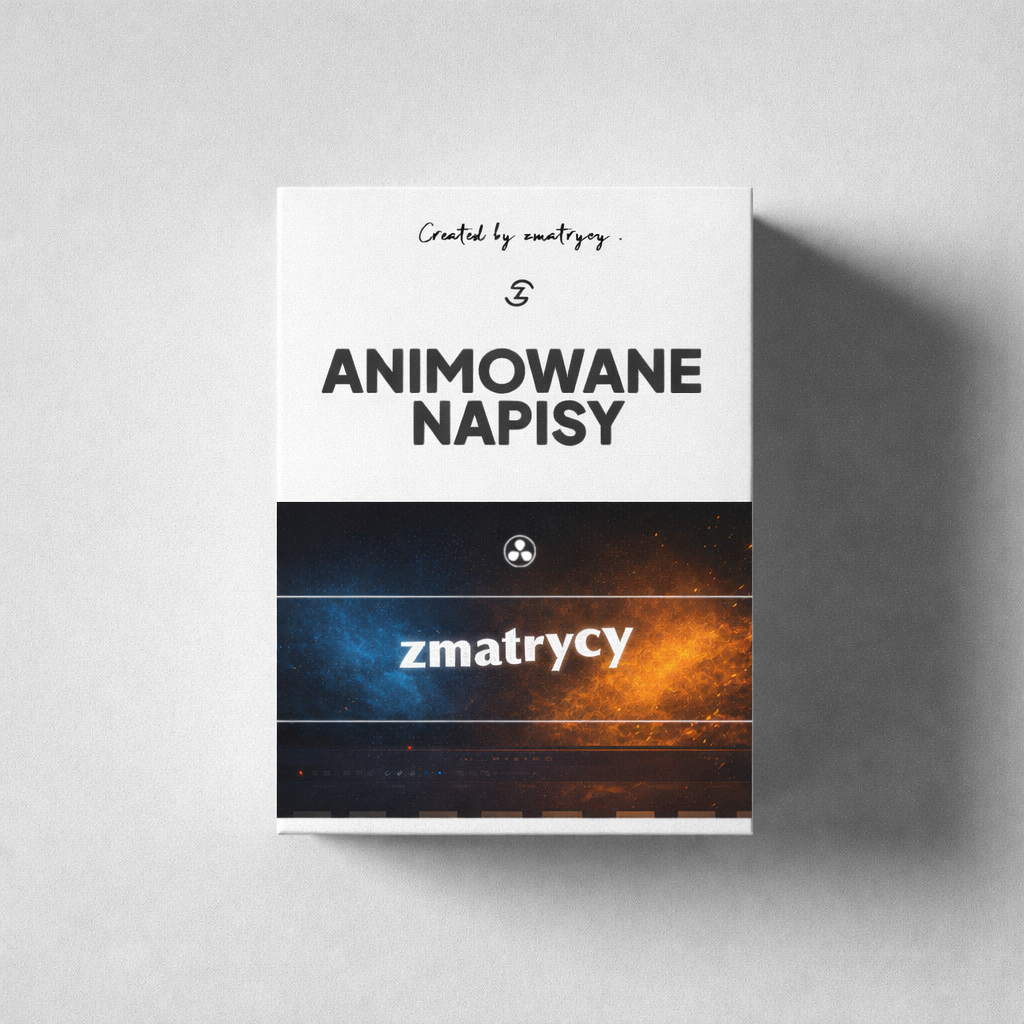
35 animated Text+ presets for DaVinci Resolve
Add movement to text in your films and Reels. I created 35 ready-made Text+ presets so you can choose an animation and enter your own text without building the effect from scratch.
Please note: you enter the text manually. The pack uses Text+; it does not generate captions from speech or style automatic subtitles.
One-off payment: 99 PLN gross
35 Text+ presets
Free and Studio 20 / 21
Instructional video (original version)
Also for commercial films
In the pack
Ready-made motion. Your text.
Instead of animating every title from scratch, choose a ready-made preset and use it in your edit. The pack is an add-on for DaVinci Resolve.
01
35 ready-made presets
Choose an animation that suits your video’s pace and the message you want to show.
02
Editing on the Edit page
Enter your own text while editing. For basic use, you do not need to build animations on the Fusion page.
03
Step-by-step instructions
The pack includes a video showing how to install and use the presets. The included video remains in its original version.
04
For your own films and client projects
You can use the presets in your Reels and films, including commercial client projects.
Preview before buying
How the animations look in a film
Before you buy
Text+ and automatic subtitles are different tools
This pack animates text you enter yourself. It does not transcribe recordings, recognise speech or turn automatically generated subtitles into Text+ animations.
DaVinci Resolve 20 and 21, Free and Studio versions. I have confirmed compatibility with these versions.
You use the presets as Text+. Enter the text manually and adjust its duration to your edit.
It is not an automatic transcription add-on or a template for the standard Subtitle track.
You may use the animations in commercial films. You may not resell or share the preset files themselves. Details are in the terms and conditions (Polish).
How to use the pack
From the pack to text in your film
01
Install
Download the pack and install the presets following the included instructional video.
02
Choose an animation
Add the selected Text+ preset to your project’s timeline.
03
Enter your text
Enter your own text. These presets do not populate text from a recorded voice.
04
Adjust it to the film
Set the display duration and check that the text is readable against your footage.
Digital product to download
35 Text+ presets for 99 PLN
One-off payment. 35 animations and an instructional video in its original version. For DaVinci Resolve Free and Studio 20 / 21.
You enter the text manually. The pack does not generate automatic captions from speech. Before buying, read the terms and conditions (Polish).
FAQ
Questions before you buy
No. These are animated Text+ presets. You enter the text manually. The pack does not recognise speech and does not automatically style captions generated from a recording.
Yes. The pack works in DaVinci Resolve Free and Studio versions 20 and 21. You do not need to buy Studio solely to use these presets.
For basic use, you do not need to build animations in Fusion. Select a ready-made preset and edit the text on the Edit page. I show installation and use in the included video.
Yes, including commercial projects. The licence covers use in films, not resale or sharing of the preset files. Read the licence terms (PL).
The pack contains 35 animated Text+ presets and an instructional video in its original version. It is a downloadable digital product requiring DaVinci Resolve. The gross price of 99 PLN is a one-off payment.
They are in the ZMATRYCY terms and conditions (PL). If you have a product question, use the form below or email [email protected].
A question about the presets?
I can help you choose the right tool
Not sure if the pack suits your editing workflow? Tell me what you want to do and which DaVinci Resolve version you use. I will reply before you buy.
You can also email [email protected].
Want to learn the full editing workflow? Explore DaVinci Resolve course. Need individual help? Explore online consultations.