Skip to content
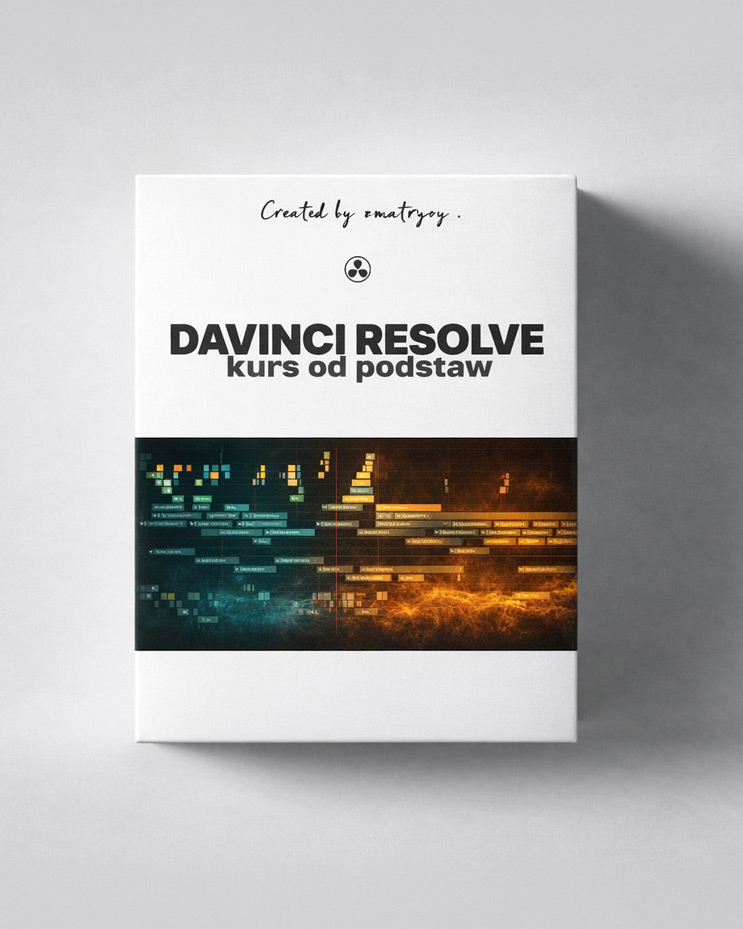
Online course
Learn to organise footage, edit more smoothly and work with colour deliberately. I show my DaVinci Resolve workflow through practical examples. The recorded lessons are in Polish.
Available now: 25 lessons and over 10 hours of learning. I will publish the remaining sections on text, social media, audio and export by 31 December 2026. View the full course programme.
25 available lessons · 12 months of access · 1199 PLN gross
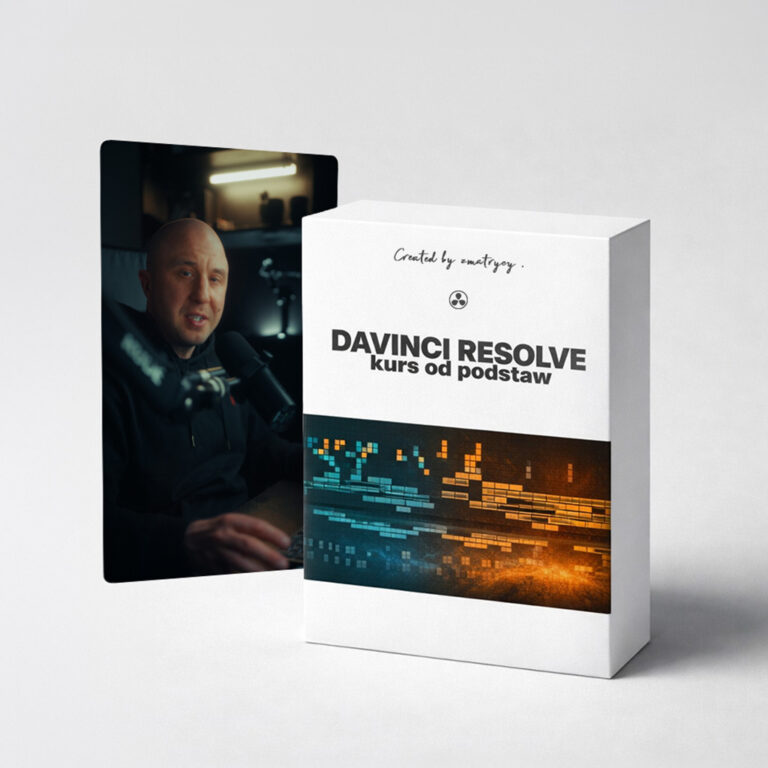
I guide you from the software basics to specific editing decisions and work on the Color page.
From footage to deliberate editing
Practical examples, an organised process and learning at your own pace.
Preview before you buy
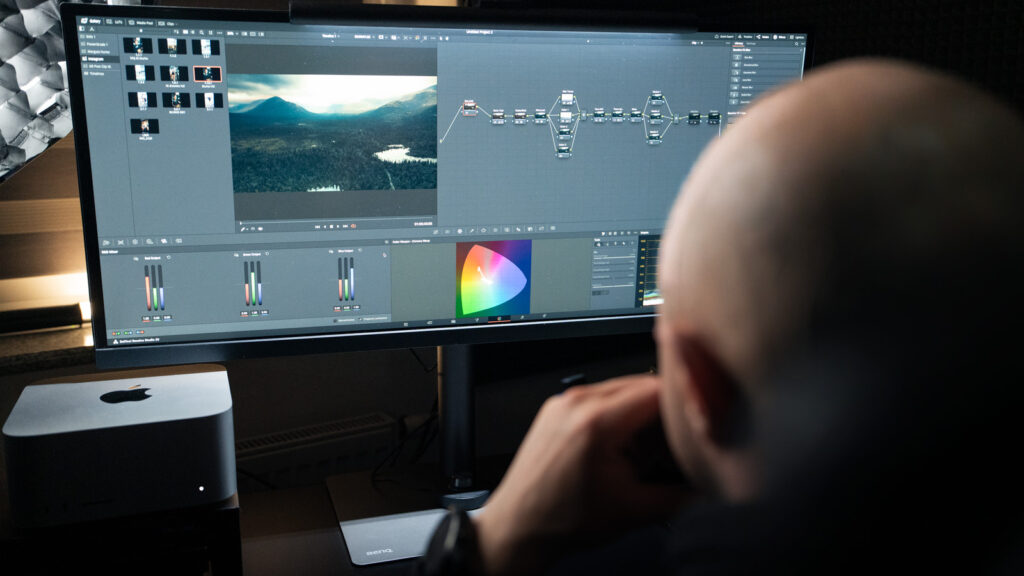
Waveform and RGB Parade in practice: image brightness, contrast and colour channels. See how I explain and work in DaVinci Resolve. This is an edited excerpt from the Polish lesson “Scopes – image monitoring”. The full course lesson lasts about 27 minutes.
As of 2 October 2026: 25 available educational lessons, totalling 10 hours, 17 minutes and 45 seconds. Below are the current topics and the sections I will add by the end of the year.
Text, social media, audio and export lessons are in preparation. I will publish them by 31 December 2026 within the course price. I will also expand the editing section with the announced transitions, overlays and B-roll content.
I plan to keep developing the course. During your 12 months of access, you receive lessons and updates added within that period.
I am Paweł and create videos under the ZMATRYCY brand. I film, edit and work with colour on content for businesses and social media.
In the course, I show the workflow I use in my projects, from organising footage and editing to colour correction. I explain not only where to click but why I take each step.
I also provide in-person training. If you prefer learning with individual support, explore DaVinci Resolve training.
These reviews relate to in-person training, not this online course. They are not verified by the course purchase system or presented as ratings from course buyers.
“I’m starting out in filmmaking and I’m very happy with the lessons. The knowledge was shared clearly and practically, so I could use my new skills straight away.”
Patryk Pawlus
@apoolift · in-person training
“The tricks, shortcuts and add-ons are useful almost immediately – you don’t guess; you do it exactly as it should be done.”
Szymon Papież
@papcio_szymek · in-person training
“Paweł explains everything clearly and specifically, so even the hardest things quickly become much easier to understand.”
Magda Gambal
@lisekmleko · in-person training
1199 PLN incl. tax
One-off payment · 12 months of access from activation after successful payment · no automatic renewal
Available immediately: 25 lessons on workflow organisation, editing and colour grading.
By 31 December 2026: text, social media, audio and export. These sections are currently in preparation.
Enter your invoice details at checkout. Access, withdrawal and complaints terms are in the terms and conditions (Polish).
FAQ
As of 2 October 2026: 25 educational lessons totalling 10 h 17 min 45 s. They cover the introduction and workflow organisation, editing, film pace and colour grading. The detailed breakdown is in the course programme.
I will publish text and animation, social media editing, audio and export, and editing additions by 31 December 2026. These sections are not yet available. I will add them within the course price.
After completing the programme, I plan to keep developing it. I do not specify a fixed number of new lessons per month.
After successful payment and course activation, an email with access information is sent to the address given at checkout. Access lasts 12 months from activation. During this time, you can revisit recordings and use added lessons and updates. Access does not renew automatically.
If the email does not arrive, check Spam or Promotions and email [email protected].
You can practise the basic workflow and editing in DaVinci Resolve Free. I also show paid Studio features, including Face Refinement. Not all demonstrated operations can be performed in Free. A DaVinci Resolve Studio licence is not included in the course price.
To watch, you need internet access and an up-to-date browser. To practise, you need a computer that runs DaVinci Resolve, the software and your own video footage. Hardware requirements depend on the software version and footage type. Check the manufacturer’s current information.
This is a recorded course for independent learning. The price does not include one-to-one meetings or individual assessment of your projects. For this type of support, explore the DaVinci Resolve consultations.
Yes. Enter your billing details in the order form. For help with the document, email [email protected].
The course is digital content. Access starting before the 14-day period ends and any loss of the right of withdrawal are covered by the separate declaration at checkout and the terms and conditions (Polish). If you want access after 14 days, email me before buying at [email protected].
Your statutory complaint rights remain unaffected. You can send a complaint to the same email address.
Use the methods available in the order form. If payment fails, email [email protected]. Do not send your card number or CVC in the message.
Explore the programme and sample lesson, then join the course. You start with the available editing and colour content; I will add the announced sections by the end of 2026.
Online course1199 PLN
This website uses essential cookies. With your consent, Google Analytics helps me improve the website and Meta Pixel measures advertising effectiveness. You can refuse or change your choice at any time.